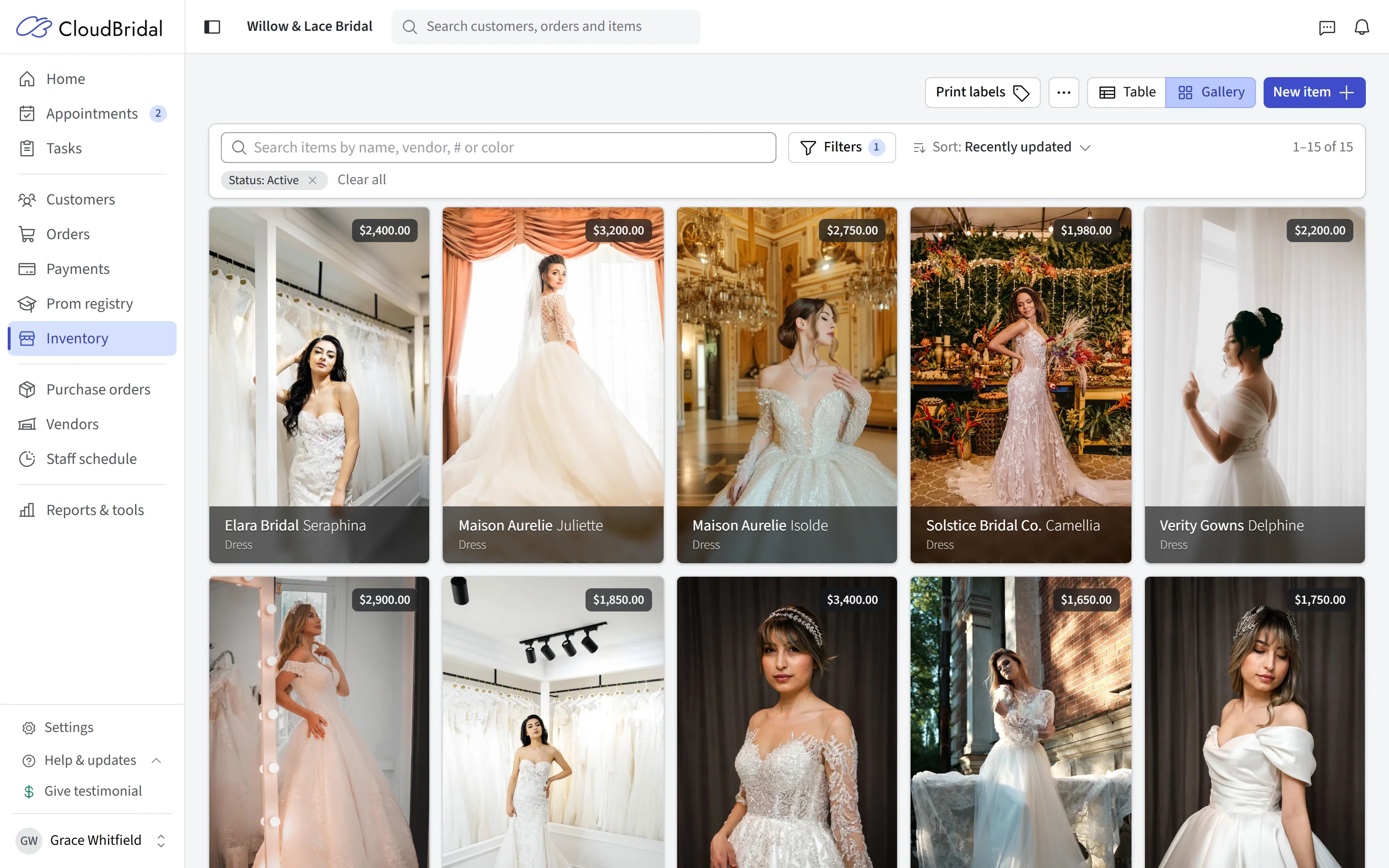
CloudBridal v26.4.1: Inventory Tools, Consolidated Branding, and Order Progress
We're excited to announce CloudBridal v26.4.1, featuring a comprehensive inventory management suite, consolidated branding settings, and client portal order progress tracking. Here's what's new:
View complete 2026 release notes →
📦 Inventory Physical Count (True-Up)
Conduct accurate physical inventory counts with a streamlined session-based workflow. Start a counting session, scan or search for items, and let CloudBridal identify discrepancies between your recorded and actual stock levels.
What's New:
- Flexible Item Entry: Search for items by name or scan barcodes for fast counting — with audio feedback confirming each scan
- Session Management: Start a counting session, leave and come back later — your progress is saved and ready to pick up where you left off
- Discrepancy Detection: Automatically identifies variances between your system quantities and physical counts
- Finalization Summary: Review a complete breakdown of stock adjustments — units added, removed, and net cost impact — before committing changes
- Post-Count Disposal: Immediately mark zero-stock items for disposal after completing your count
Key Benefits:
- Maintain accurate inventory records with regular physical counts
- Reduce shrinkage and identify discrepancies early
- Save time with barcode scanning instead of manual data entry
How to Access:
- Navigate to Inventory and select Physical Count from the tools menu
- Requires the Inventory: Manage permission
- Learn more about Physical Inventory Counts →
🔧 Inventory Management Tools
A new suite of analytical tools to help you keep your inventory clean, profitable, and well-organized.
What's New:
- Disposal Candidates: Identify items with zero stock across all variants — perfect for cleaning up items that are no longer available
- Discontinued with Stock: Find discontinued items that still have remaining stock, making it easy to plan clearance or disposal
- Slow Movers: Analyze sales velocity to spot items with low turnover, including days available, sales per month, and cost value on hand
- Missing Wholesale Prices: Quickly find and update variants that are missing wholesale cost data, with inline editing
- Bulk Price Update: Update retail, wholesale, and sale prices for all items from a specific vendor in one view (admin only)
Key Benefits:
- Keep your inventory lean by identifying and removing dead stock
- Make informed pricing decisions with sales velocity data
- Ensure wholesale pricing is complete for accurate margin calculations
How to Access:
- Navigate to Inventory and select any tool from the Tools menu
🎨 Consolidated Branding Settings
All of your brand customization options — previously spread across different settings areas — are now consolidated into a single Branding page.
What's New:
- Global Brand Colors: Set your primary color, page background, accent color, and navigation bar color once, and they apply across all customer-facing areas (appointment scheduler, client portal)
- Per-Area Overrides: Still need different colors for the scheduler vs. the portal? Optional overrides let you customize each area independently while inheriting your global defaults
- Font Selection: Choose from a curated list of fonts with a live preview — applied to all customer-facing pages
Key Benefits:
- Set your brand colors once instead of configuring each area separately
- Ensure a consistent look across all customer touchpoints with less effort
- Fine-tune individual areas when needed with optional overrides
📋 Enhanced Document Signing Visibility
E-signed documents now surface more detail about the signing process, making it easier to track activity and follow up.
What's New:
- Signing Channel: See whether a document was signed in-store, via email, or through a direct link
- Printable Audit Summary: Print a summary sheet showing key document events — creation, sending, viewing, and signing — with timestamps
- View Tracking: See when emailed documents were first opened by the customer
Key Benefits:
- Quickly see the status and history of any signed document
- Follow up with customers who have received but not yet signed their documents
📊 Client Portal Order Progress
Customers can now see a visual progress tracker for their orders in the client portal, giving them a clear sense of where things stand.
What's New:
- Progress Timeline: A clean, animated step indicator showing Ordered → In Progress → Complete
- Estimated Arrival Dates (Opt-In): Optionally show customers when their items are expected to arrive. This is off by default — you choose whether to share arrival estimates. When enabled, you can add buffer days so the dates shown to customers are comfortably padded
- Enable in Settings: Turn on in your Client Portal Settings
Key Benefits:
- Give customers visibility into their order status without fielding phone calls
- Full control over what date information is shared — nothing is shown unless you enable it
🗓️ Additional Improvements
Custom Appointment Booking Messages:
- Customize the success message shown to customers after booking, with separate messages for confirmed, pending, and waitlisted appointments. Configure per appointment type in Appointment Settings.
Appointment Policy Acknowledgment:
- When an appointment involves a payment or saved card, customers are now asked to acknowledge your cancellation, no-show, or payment policy before completing their booking. A printable acknowledgment record is available via View Policy Acknowledgment in the appointment's actions menu.
Monthly Appointment Availability:
- The public appointment scheduler now pre-loads which dates have available slots, making it faster for customers to find and book appointments. If you prefer not to display these indicators, you can disable them via the "Show date availability indicators on booking page" toggle in your Appointment Settings.
Staff Schedule Enhancements:
- The staff schedule now displays the number of appointments booked per day and shows a visual indicator when the store is closed.
Staff Member Portraits:
- Upload portrait photos for staff members in Staff Settings or from your Profile page. Portraits appear in staff selection dropdowns, the appointment calendar, and the navigation bar.
Appointment Type Images:
- Upload images for each appointment type in Appointment Settings. Images display in the public booking flow to help customers choose the right service.
Showcase Discontinued Items:
- Choose to include discontinued items that still have inventory in your Inventory Showcase, so customers can still browse items available for purchase.
Appointment Email Enhancements:
- Appointment emails now include a calendar invite that adds the appointment to your customer's calendar automatically. Rescheduling or cancelling updates the event.
- Optionally include calendar invites in staff emails too — enable in Appointment Settings.
- Refreshed email design with a prominent date/time/status section and cleaner layout.