Payments & payment plans
From the first deposit to the final balance.
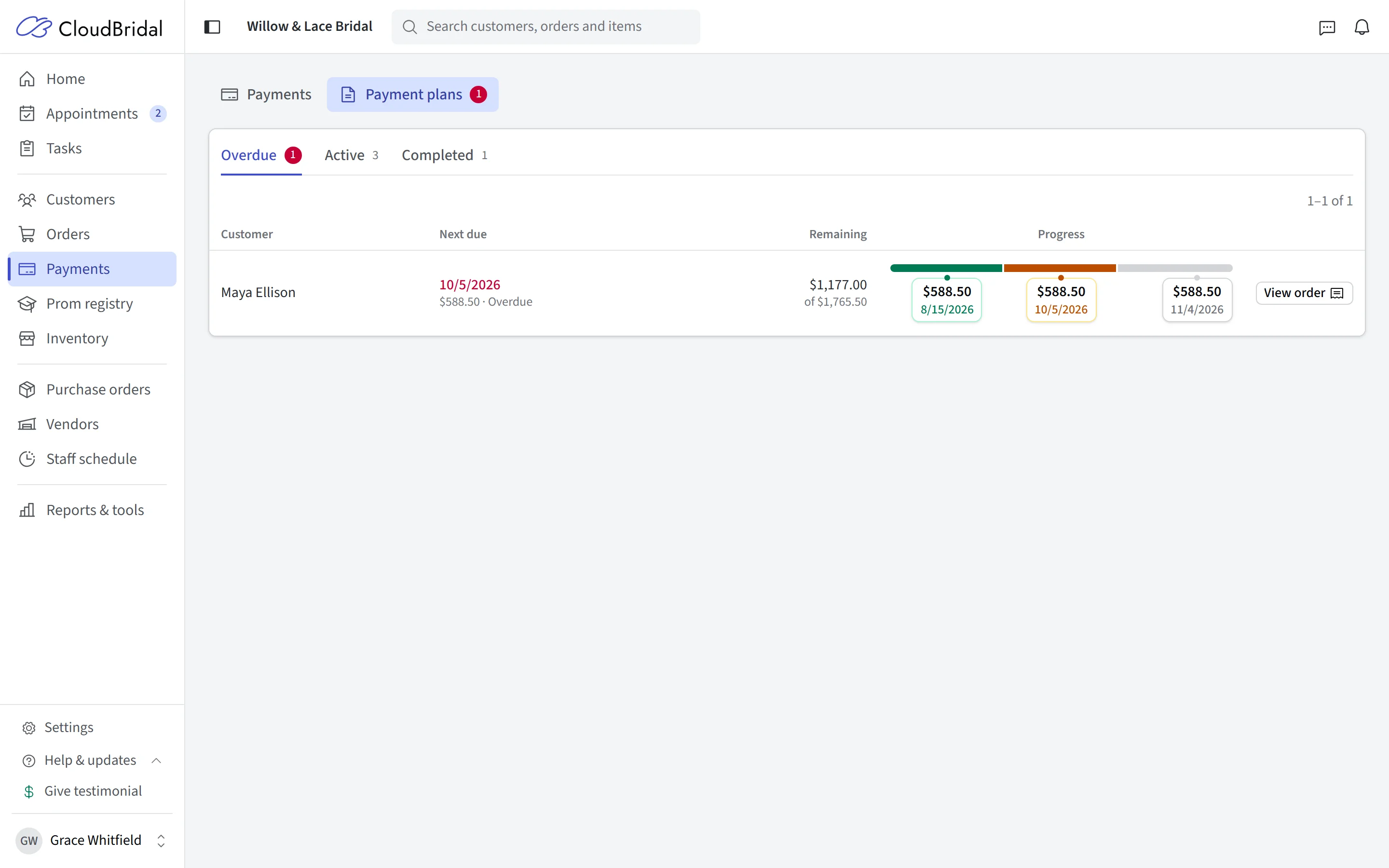
Keep payments and the order together. Offer scheduled installments, send a payment link, or take a card at the counter. Use integrated Stripe payments or record payments from your own processor.
30-day free trial · No credit card required · Compare plans
The integration
Integrated payment solutions
Take payments within the customer workflow, with the result recorded against the order. Choose the methods that suit your shop.
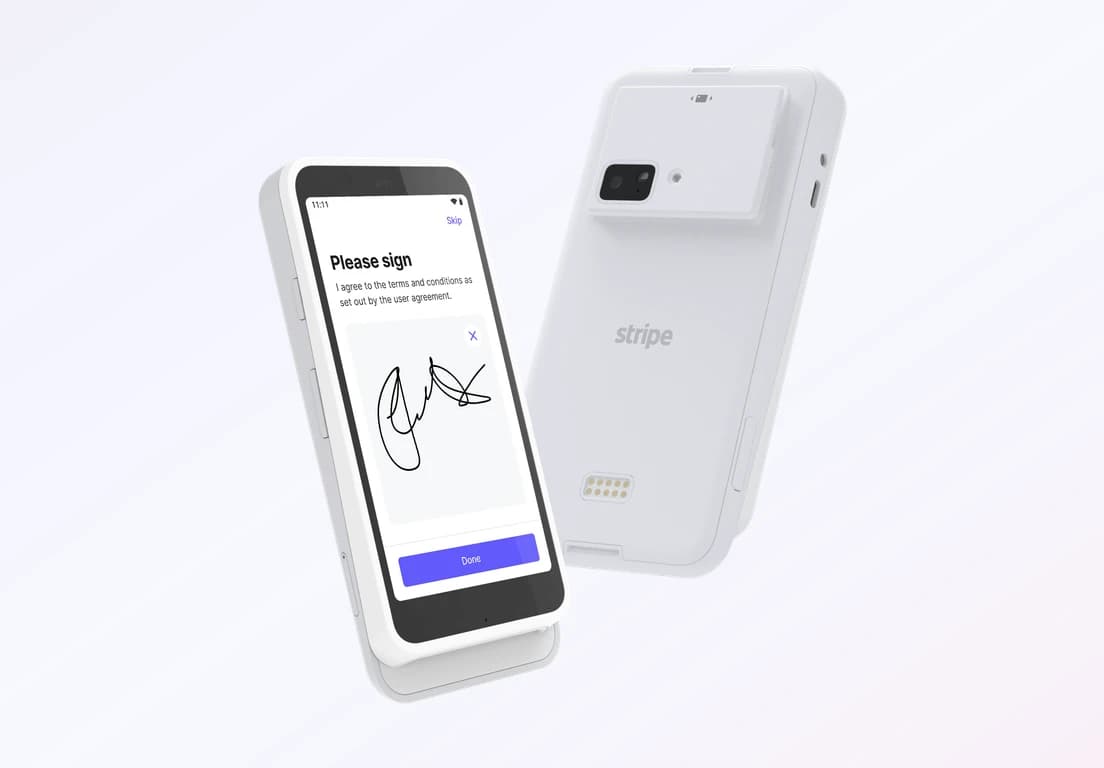
Accept credit cards in person
- Take card payments at your counter
- Compatible with the Stripe Reader S710
- Lower processing fees compared to manual entry
- Automatic payment recording in customer profiles
More ways to get paid
Get paid however your customers prefer
Beyond in-person checkout, CloudBridal’s Stripe integration gives you flexible ways to collect payment — online, automatically, or on your customer’s own time.
Payment links
Cards on file
Customer self-pay
Your choice
Flexible payment options
CloudBridal gives you the freedom to choose how you process payments. Use our integrated Stripe solution or your existing payment processor.
Integrated Stripe payments
- Card payments taken and recorded inside CloudBridal
- In-person card reader support
- Payment links, saved cards on file, and customer self-pay
- Automated payment plans and reminders
- Automatic payment recording and reconciliation
Bring your own payment processor
- Continue using your existing payment processor
- Manually record payments in CloudBridal
- No additional platform fees from CloudBridal
- Full customer payment history still maintained
Setup
Set up Stripe in four steps
Enable features
Turn on the specific payment features you need, such as appointment payments, in-person payments, or payment plans.
Order and set up your reader
If using in-person payments, order your Stripe Reader S710 and set it up with your Stripe account by following our documentation.
Take payments securely
Take payments with the methods you choose, and each one is recorded on the customer’s order.
For detailed setup instructions, refer to our comprehensive documentation.
Good to know
Frequently asked questions
Common questions about the Stripe integration with CloudBridal.
Do I have to use Stripe with CloudBridal?
What are the processing fees?
Is the integration available in my country?
What card reader is compatible?
Is it safe to store cards on file?
How do I process refunds?
Can I customize the reader experience?
Do I need a separate Stripe account?
Help
Resources & support
Everything you need to get started with the Stripe integration.
Documentation
Comprehensive guides on setting up and using the Stripe integration with CloudBridal.
Support
Have questions? Our support team is ready to help you with your Stripe integration.
Settings
Already a CloudBridal user? Access your Stripe integration settings in your account.
Ready to start taking payments?
Start your free trial and explore the payment options that fit your shop — or book a demo and we’ll help you choose the right setup.