For new bridal shops
Open your bridal shop with your systems already in place
Set up booking, inventory, special orders, and payments before your first bride walks in. Opening soon, or open for less than a year? Your first year of CloudBridal is half price.
Startup discount
Opening a new shop? Your first year is half price.
Opening soon, or open for less than a year? You get 50% off your first year of CloudBridal. Contact us and mention the startup discount, and we’ll set it up for you.
See every plan and what it includes on the pricing page.
Before the doors open
Why set up your systems before you open
A new shop has no old habits to change and no records to move. These are the routines that are easiest to start on day one.
Clean records from the first bride
Online booking from day one
Orders and deposits from the first sale
You don’t need everything on day one. You can start on Basic and switch plans any time as your shop grows.
Day one
What you’d use from your first appointment
The four things a new shop leans on first, with the plan each one needs.
Bookings
Take bookings before the doors open
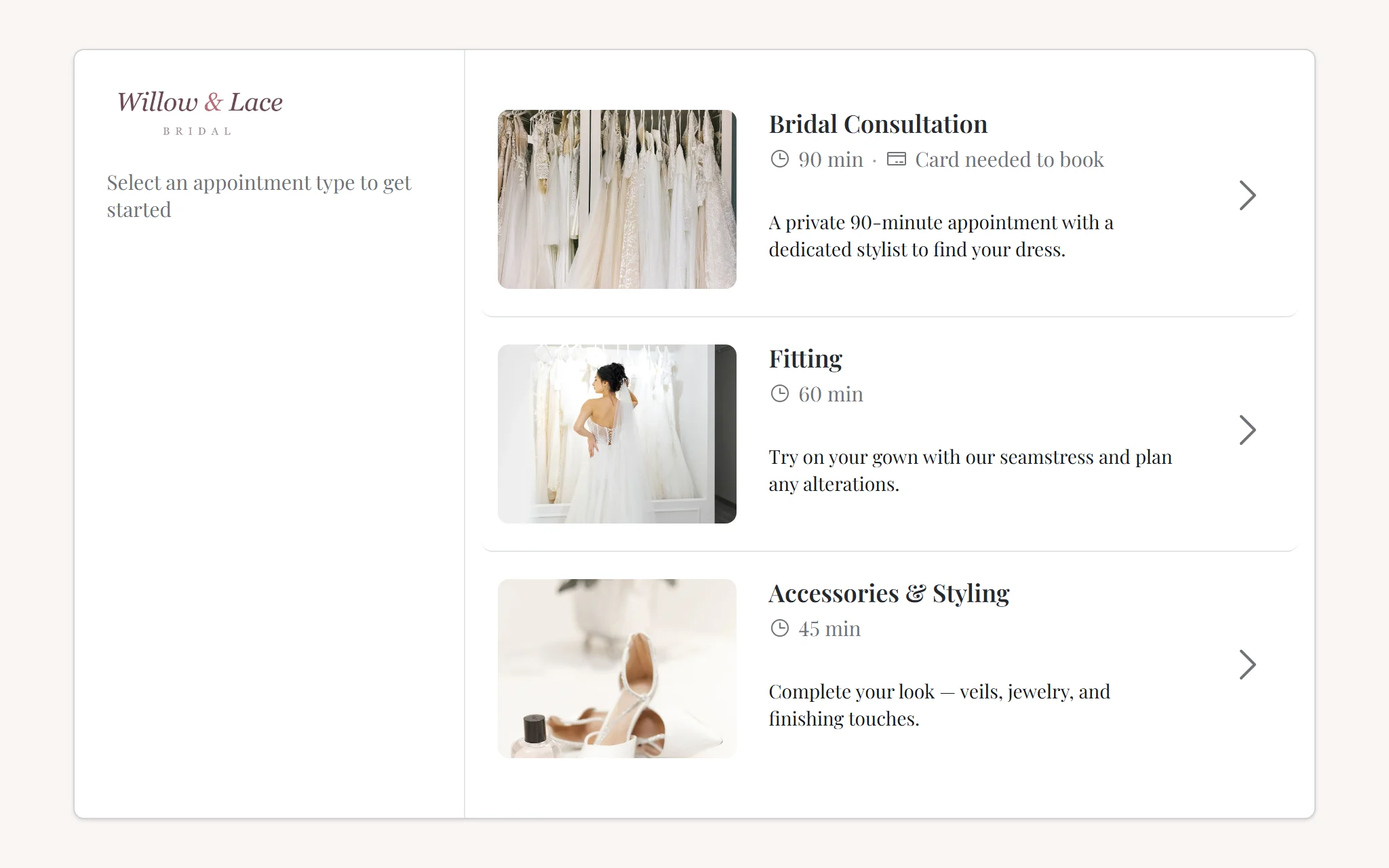
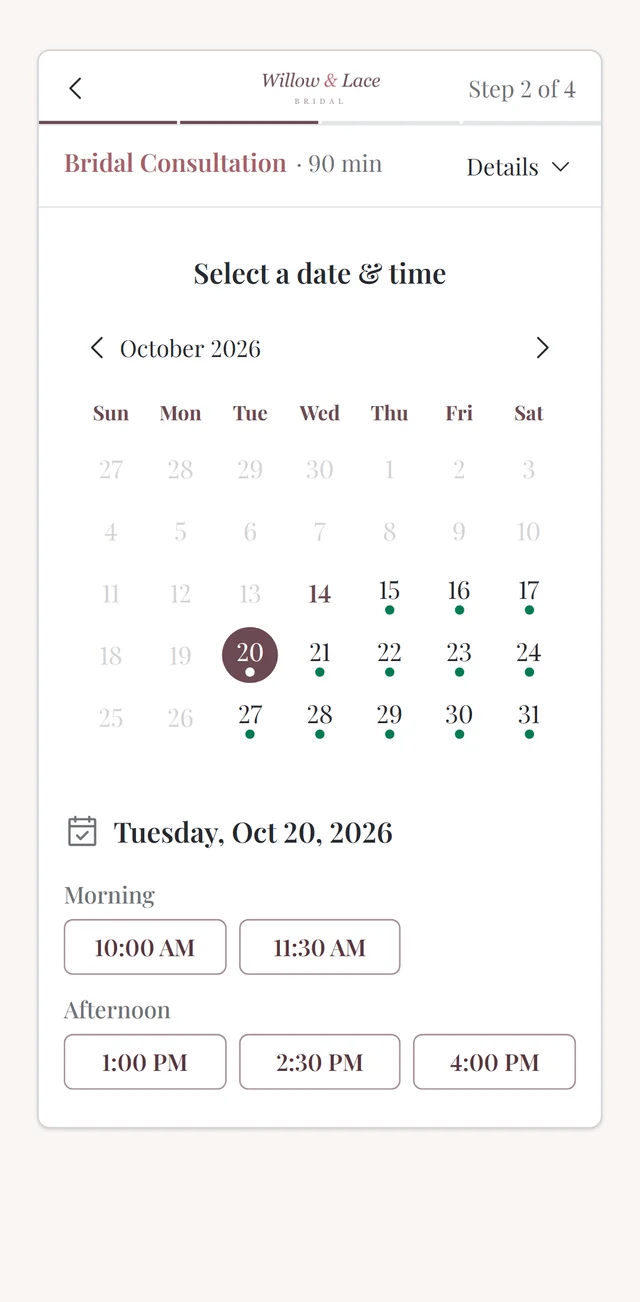
Share your booking page on your website and Instagram. Brides pick an appointment type and a time from your real availability. If you want, an appointment type can require a booking fee or a card on file through integrated Stripe payments, or you can keep booking free.
Basic includes 50 appointments a month. Core and Ultimate include unlimited appointments.
More about appointment scheduling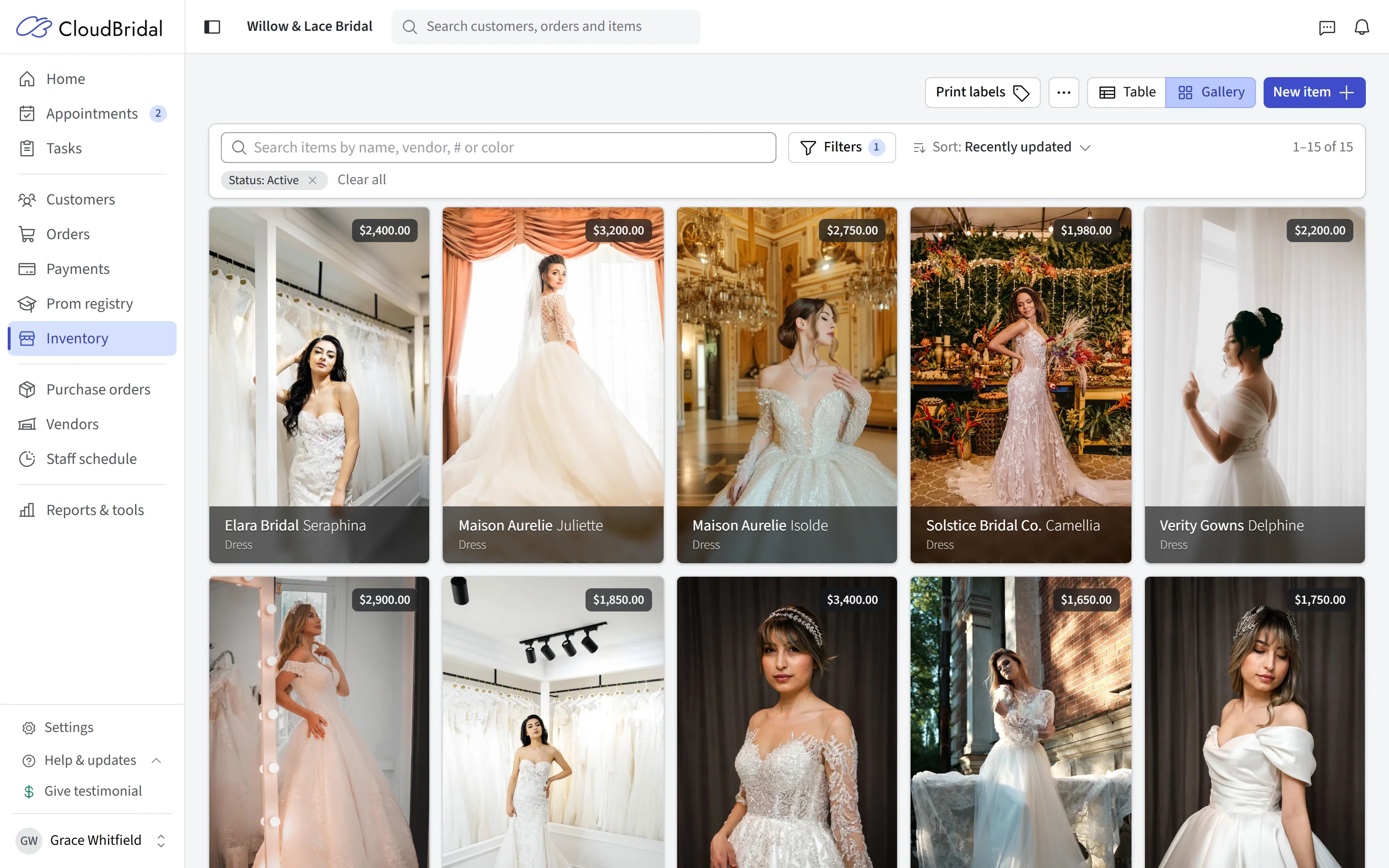
Inventory
Put your samples into inventory
Each item carries its sizes, colors, and pricing, along with the colors and add-ons you can special order it in from the vendor. When you sell something from stock, its quantity comes down on its own.
Inventory is on every plan, starting with Basic. Label printing and purchase orders come with Core.
More about inventory management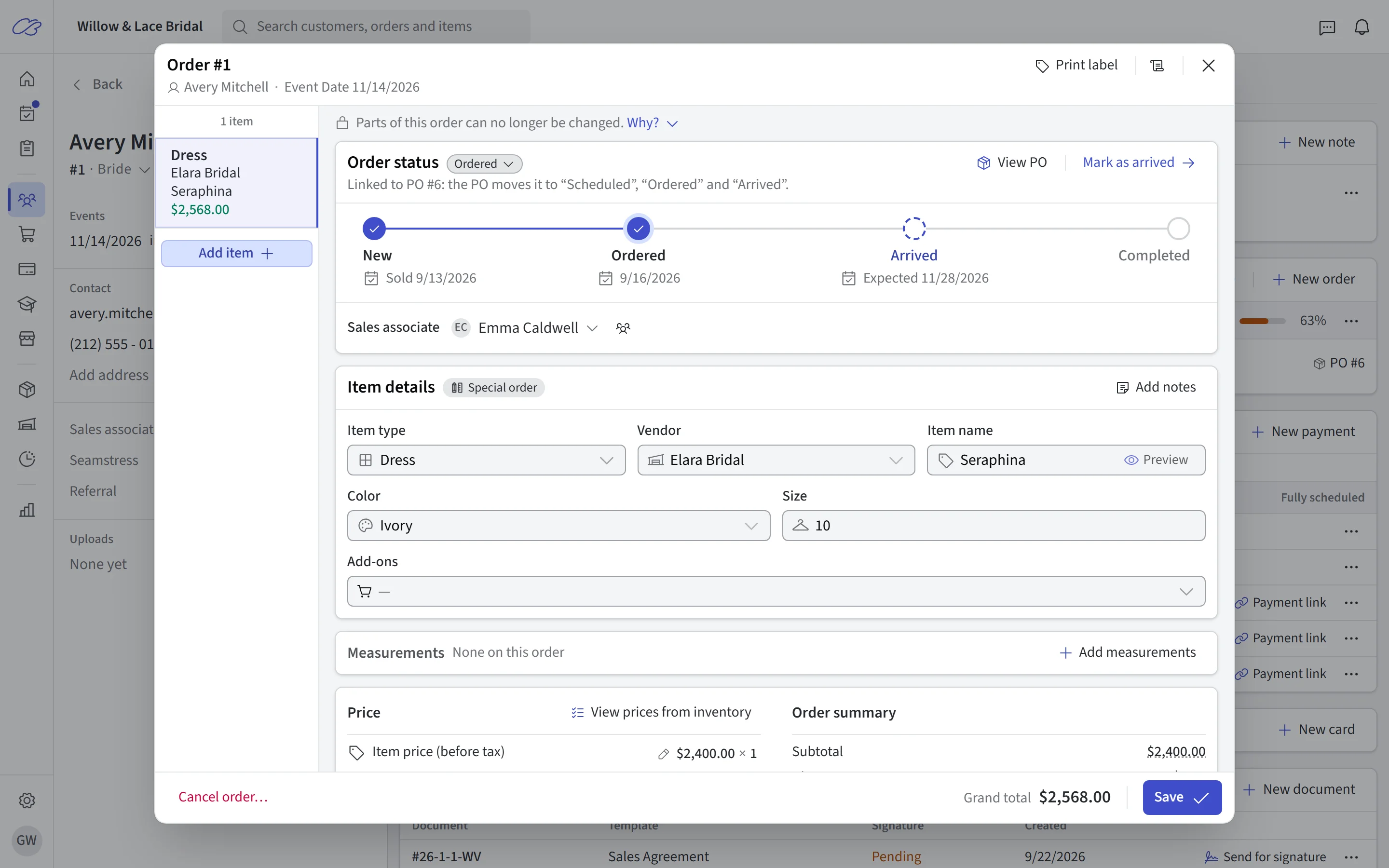
Orders and special orders
Write every sale as an order, from the first one
An order can be a special order from the vendor, a sale from your inventory, or a rental. A special order holds the vendor, style, color, size, measurements, and price, and its status moves from New to Ordered, Arrived, and Completed as the gown comes in.
Orders are on every plan. Customer purchase orders, which update the bride’s order as the vendor’s order arrives, come with Core. Rentals are part of Ultimate.
See how the whole workflow fits together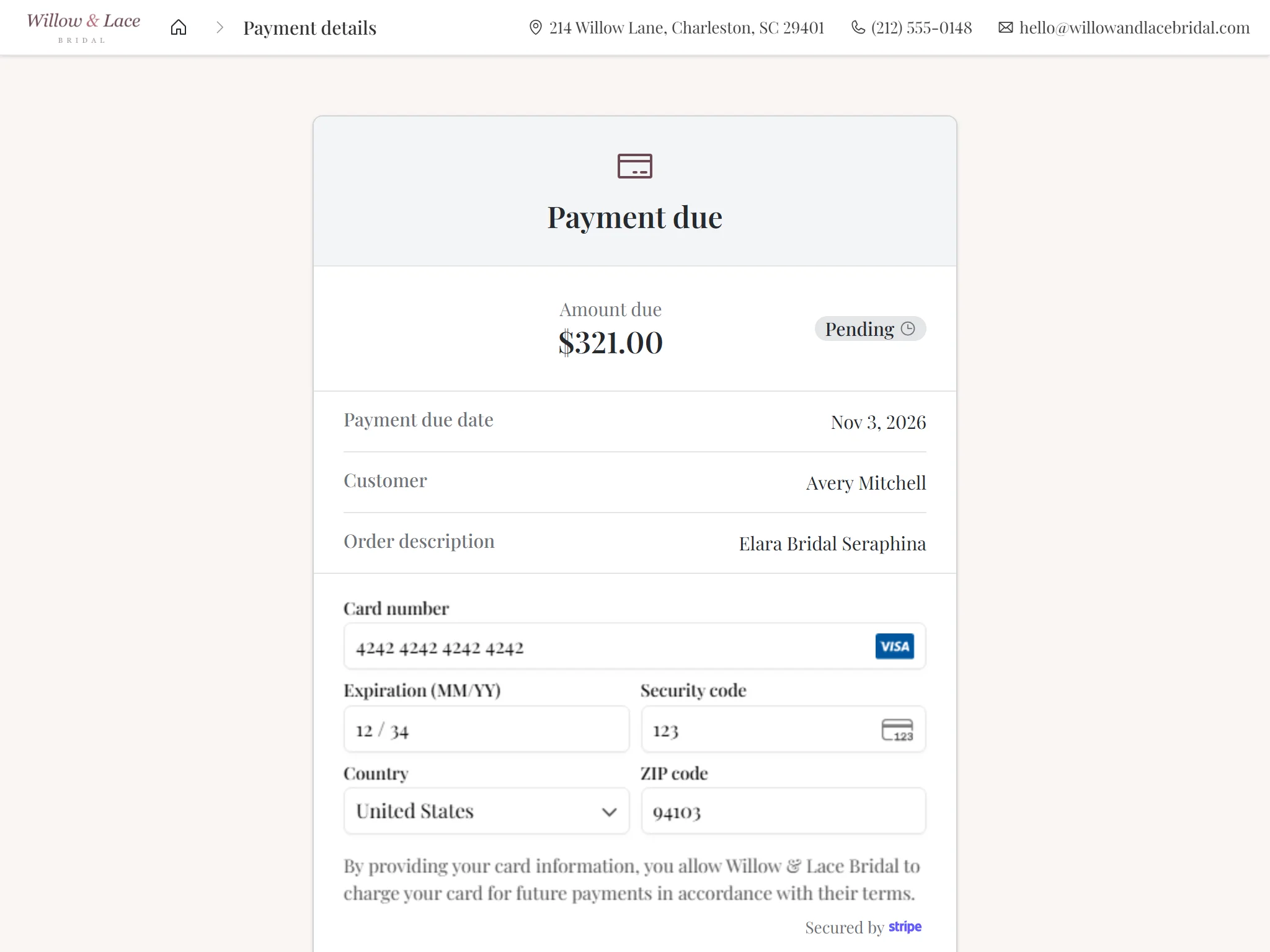
Payments
Deposits recorded against the order they’re for
Record the deposit on the order and see each bride’s remaining balance on her profile. Take cards through integrated Stripe payments, including a card reader in the shop, or keep your own processor and record those payments in CloudBridal. You can also mix both.
Payments are on every plan. Payment plans with scheduled installments, and payment links, come with Core.
More about paymentsGetting started
From sign-up to your first booking
You can do all of this before you open.
Start your free trial
30 days, no credit card required. Anything you set up during the trial stays in place when you subscribe.
Set up your shop
Add your appointment types, vendors, and samples, choose how you’ll take payments, and share your booking link.
Claim the startup discount
Contact us and mention the startup discount, and we’ll set it up for you.
Planning to open?
Guides and free tools for the months before opening
Budgets, buying, and the opening sequence, from our own articles and calculators. No signup needed.
How to Open a Bridal Shop or Boutique: A Step-by-Step Guide for 2026
The opening sequence, worked backwards from opening day and the gown lead times that drive it.
How Much Does It Cost to Open a Bridal Shop?
A line-by-line startup budget with worked examples, from lean to premium.
How Many Wedding Dresses Does a Bridal Shop Need?
Sample counts, designer and price-point mix, and open-to-buy budgeting.
Startup cost estimator
An itemized estimate of what it costs to open a bridal shop, plus the phase-by-phase opening checklist.
Open-to-Buy Planner
Turn planned sales, current stock, and what’s on order into the wholesale budget you can spend at market.
Good to know
Frequently asked questions
Common questions from shops that are opening soon or just opened.
Can I start using CloudBridal before my shop opens?
What if my trial ends before I open?
How do I get the startup discount?
Which plan should a new shop start on?
Can I change plans later?
Do I need to use Stripe for payments?
What happens to my data if I stop subscribing?
Open with your booking, orders, and payments ready
Start your 30-day free trial, no credit card required. Opening soon or open less than a year? Ask us about 50% off your first year.